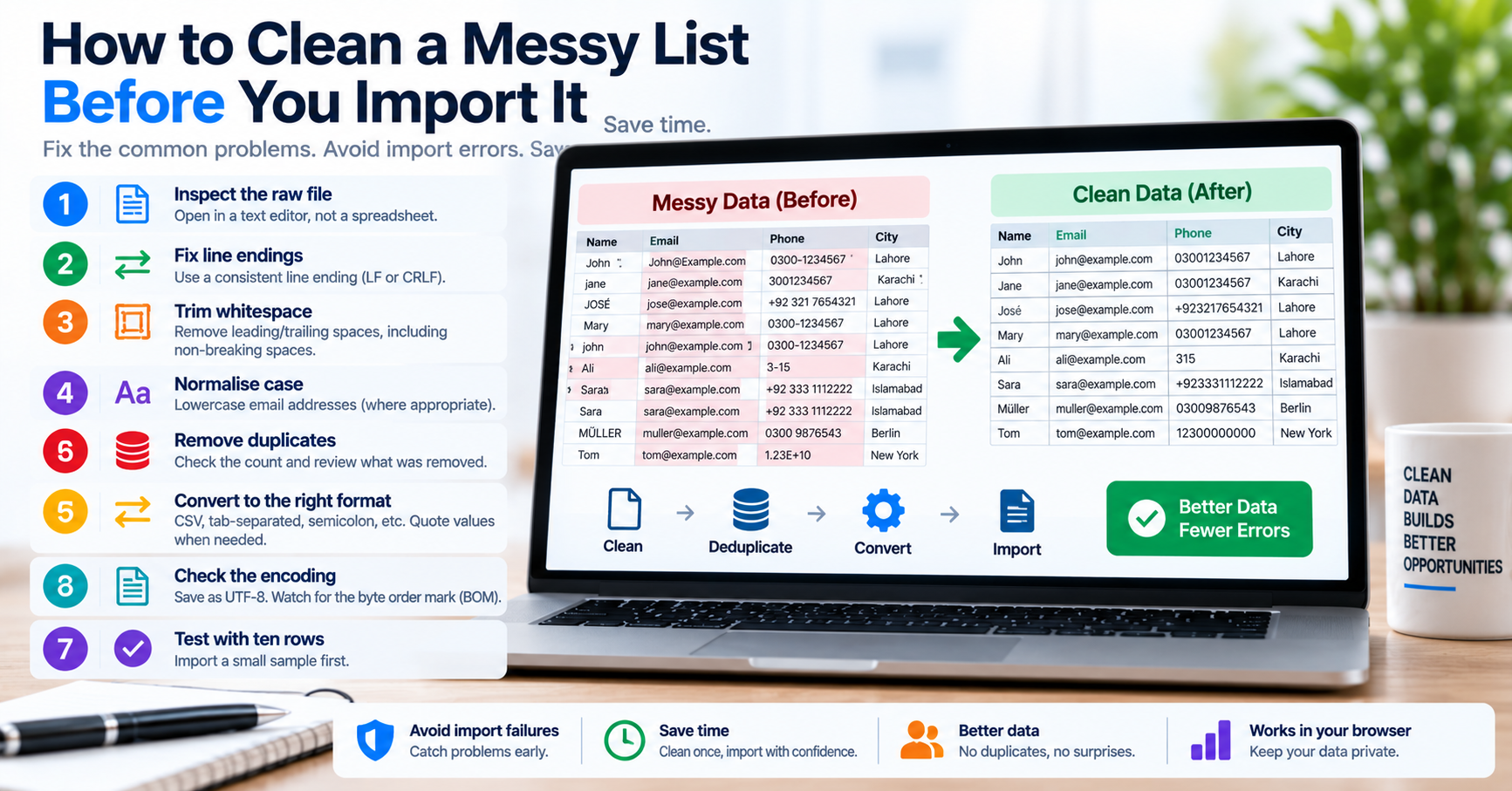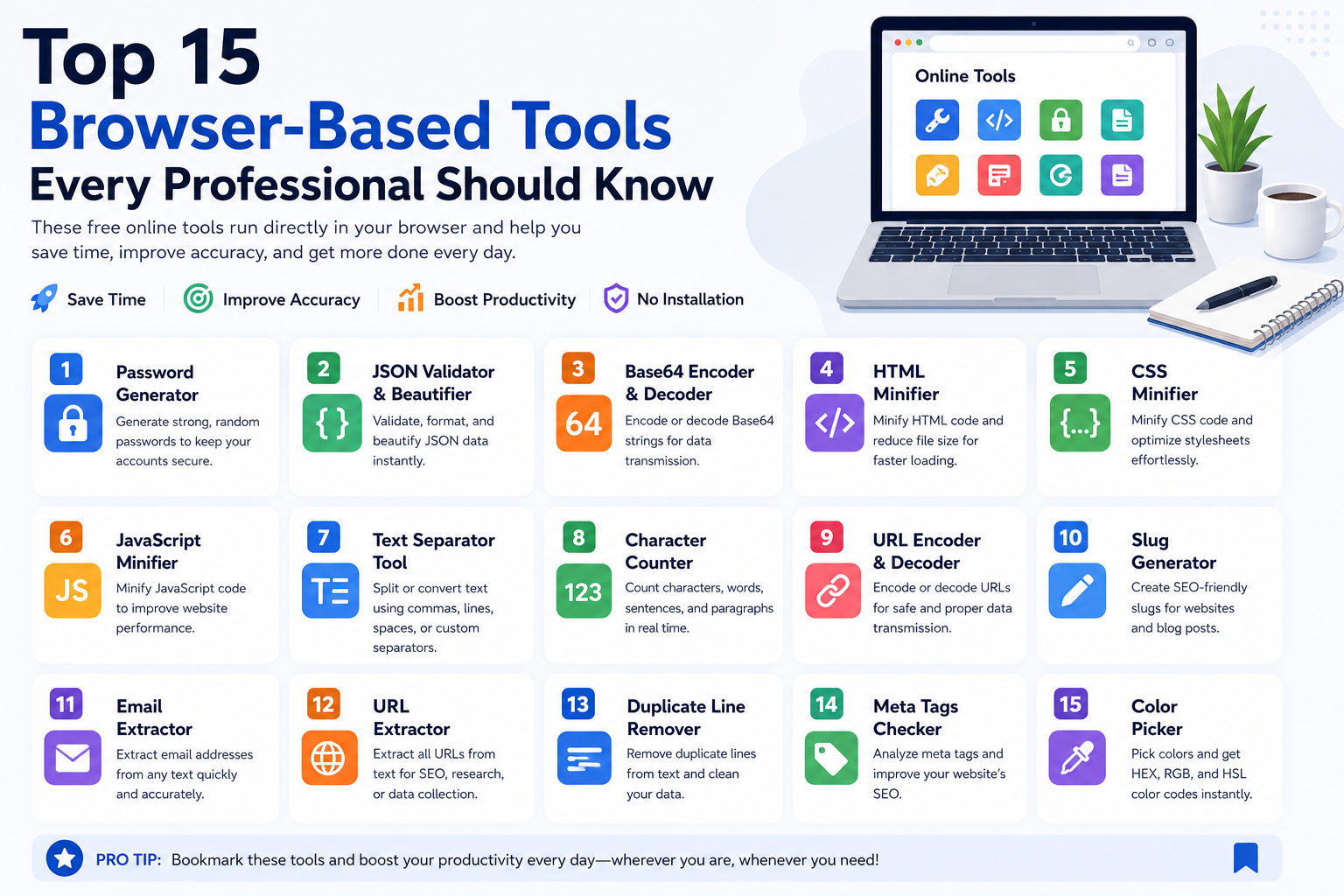
Modern software development and digital marketing require rapid access to a wide variety of micro-utilities: token separators, hash generators, JSON beautifiers, regex debuggers, and UUID generators. Historically, developers installed dozens of desktop utilities, browser extensions, or command-line packages to handle these tasks. However, managing dozens of disparate tools introduces significant context-switching penalties, licensing overhead, and severe software supply-chain vulnerabilities.
Browser-based utilities powered by modern JavaScript and WebAssembly have fundamentally evolved. Today, client-side web tools execute with near-native CPU speeds, require zero local installation, and process confidential data entirely within local browser memory without transmitting packets to remote servers.
The 15 Indispensable Client-Side Web Utilities
| # | Tool Name | Category | Primary Engineering Use Case |
|---|---|---|---|
| 1 | Text Separator | Text Utilities | Splits raw unstructured lists by custom delimiters, cleans empty tokens, and formats SQL IN (...) queries. |
| 2 | JSON Formatter & Validator | Developer | Beautifies minified API payloads, validates RFC 8259 syntax, and highlights exact line parse errors. |
| 3 | Base64 Encoder & Decoder | Developer | Converts binary data and UTF-8 strings into ASCII radix-64 representations and decodes JWT payloads. |
| 4 | UUID / GUID Generator | Developer | Generates RFC 4122 Version 4 random UUIDs and Version 7 time-ordered database primary keys. |
| 5 | Case Converter | Text Utilities | Transforms programming identifiers across camelCase, snake_case, kebab-case, and UPPER_CASE. |
| 6 | Duplicate Line Remover | Text Utilities | Filters repeated database export records, keyword lists, and log outputs using high-speed $O(n)$ hash lookups. |
| 7 | HTML Minifier | Developer | Strips superfluous whitespace, comments, and redundant closing tags to reduce HTTP payload sizes. |
| 8 | CSS Minifier | Developer | Compresses stylesheet declarations, eliminates zero units, and merges rules to optimize CSSOM rendering. |
| 9 | JavaScript Minifier | Developer | Minifies client-side scripts, shortens internal identifiers, and reduces script execution time. |
| 10 | Password Generator | Utility | Produces cryptographically random passwords utilizing browser hardware entropy (crypto.getRandomValues). |
| 11 | Password Strength Checker | Utility | Calculates Shannon entropy bits and estimates offline cracking resilience against modern hashcat clusters. |
| 12 | Slug Generator | SEO | Converts international titles into clean, lowercase, hyphen-separated SEO URLs compliant with RFC 3986. |
| 13 | Meta Tags Checker | SEO | Audits webpage HTML for title pixel lengths, meta descriptions, canonical declarations, and Open Graph tags. |
| 14 | Email Extractor | Utility | Extracts and deduplicates RFC 5322 compliant email addresses from unstructured documents and logs. |
| 15 | QR Code Reader | Utility | Decodes camera captures and image files into decoded text payloads without server-side image processing. |
Why Client-Side Privacy Architecture Matters
When using third-party online tools, engineers must exercise extreme caution regarding data leakage. Pasting internal API tokens, customer database exports, or proprietary source code into online tools that upload inputs to remote servers creates severe GDPR, HIPAA, and SOC 2 compliance breaches.
At TU Web Tools, all utilities operate under a strict Zero-Knowledge, Client-Side Architecture. All parsing, transformation, and minification runs locally within your browser sandbox via JavaScript, ensuring that proprietary tokens and company payloads never leave your workstation.