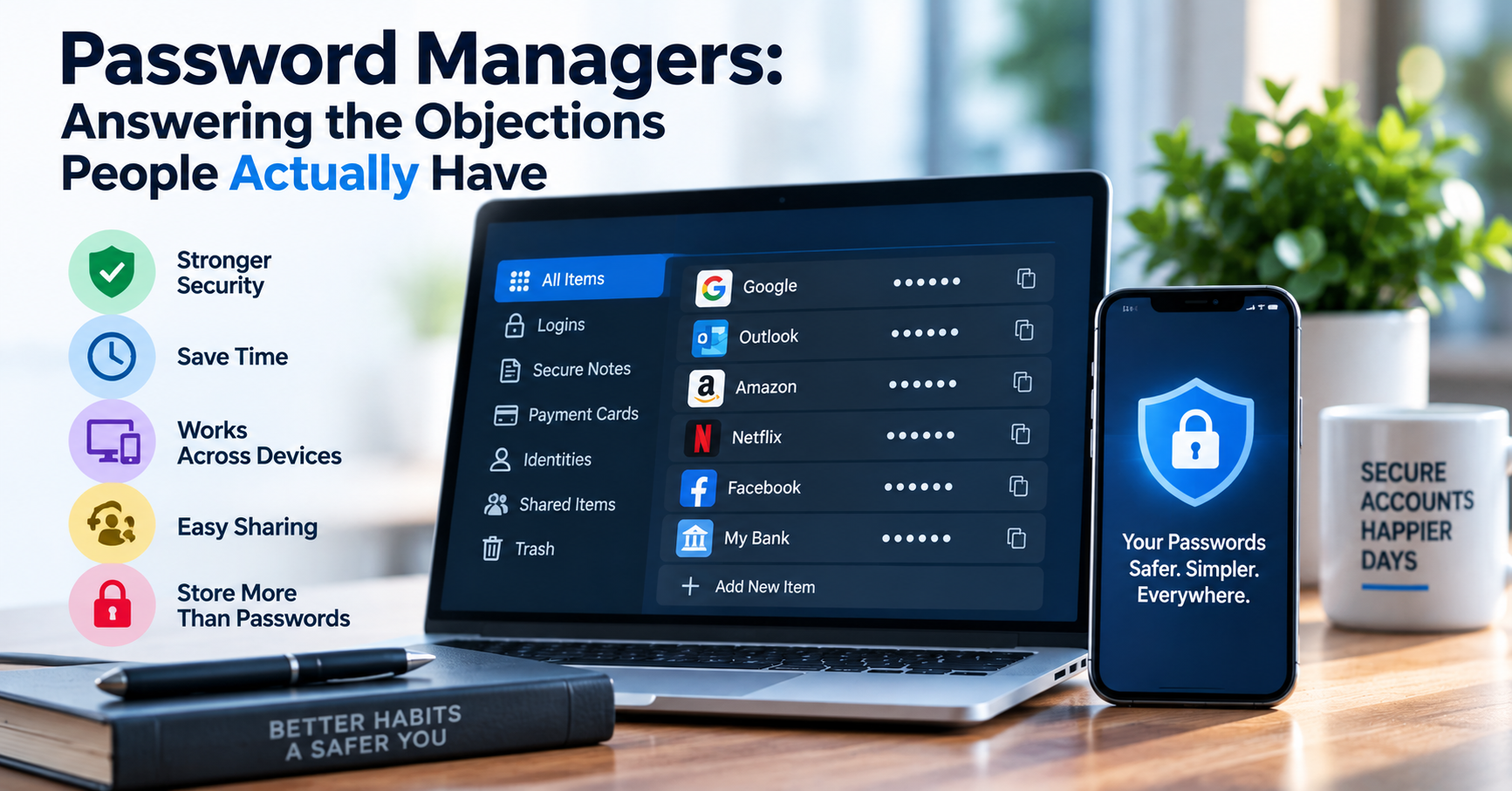
Despite overwhelming consensus among cybersecurity authorities (including CISA, NIST, and ENISA) that password managers represent the single most impactful security tool an individual or organization can adopt, widespread hesitation persists. The most common objection is intuitive: "Storing all my passwords in a single application is putting all my eggs in one basket. If that vault is breached, an attacker gets access to my entire digital life."
While the "single point of failure" concern sounds logical on the surface, it fundamentally misunderstands both modern threat models and the cryptographic architecture governing zero-knowledge password vaults. In this guide, we examine the cryptographic engineering behind password managers and address the most persistent objections with technical clarity.
The Fatal Flaw of the "Human Memory" Password Strategy
Users who refuse password managers inevitably adopt one of three fatal coping mechanisms:
- Password Reuse: Using the exact same password across dozens of services. When an obscure hobbyist forum suffers a database breach, attackers take those leaked credentials and execute automated credential stuffing attacks against Google, Amazon, PayPal, and banking portals.
- Predictable Formulaic Variations: Modifying a base word with predictable suffixes (e.g.,
Company2026!,Netflix2026!). Modern password-cracking software (Hashcat, John the Ripper) uses rule-based attack engines that decode these patterns within seconds. - Unsafe Physical Storage: Writing credentials on sticky notes affixed to monitors or in unencrypted desktop text files (
passwords.txt), leaving them completely exposed to physical theft and malware screen scrapers.
How Zero-Knowledge Cryptographic Vaults Actually Work
Modern password managers operate under a strict Zero-Knowledge Cryptographic Architecture. When you register a master password, the service provider never receives or stores that password on their servers.
| Cryptographic Stage | Algorithm Used | Security Function |
|---|---|---|
| Key Derivation (KDF) | Argon2id or PBKDF2 (600,000+ rounds) | Stretches master password with cryptographic salt into a 256-bit encryption key. |
| Vault Encryption | AES-256-GCM or XChaCha20-Poly1305 | Encrypts all credentials locally on your device before synchronization. |
| Cloud Synchronization | TLS 1.3 Transport Encryption | Transfers only ciphertext; server operators cannot read stored passwords. |
Addressing Common Objections with Technical Evidence
Objection 1: "What happens if the password manager company is hacked?"
Even if an attacker breaches the password manager's cloud database and downloads every customer vault, they obtain only mathematically indecipherable AES-256 ciphertext. Without your master password and your local secret key, cracking a properly derived vault with brute force would require millions of years on the world's fastest supercomputers. In modern security breaches involving major password managers, customers with strong master passwords suffered zero credential compromises.
Objection 2: "What if the service goes out of business or my internet goes down?"
Modern password managers maintain an encrypted local SQLite database on your device. You can access, copy, and auto-fill credentials completely offline without an active internet connection. Furthermore, all reputable managers offer full export capabilities (JSON or CSV), allowing you to migrate your encrypted database to competing platforms in seconds.
Best Practices for Securing Your Password Manager
- Create a High-Entropy Master Passphrase: Use 4 to 5 random words generated by a cryptographically secure tool (e.g.,
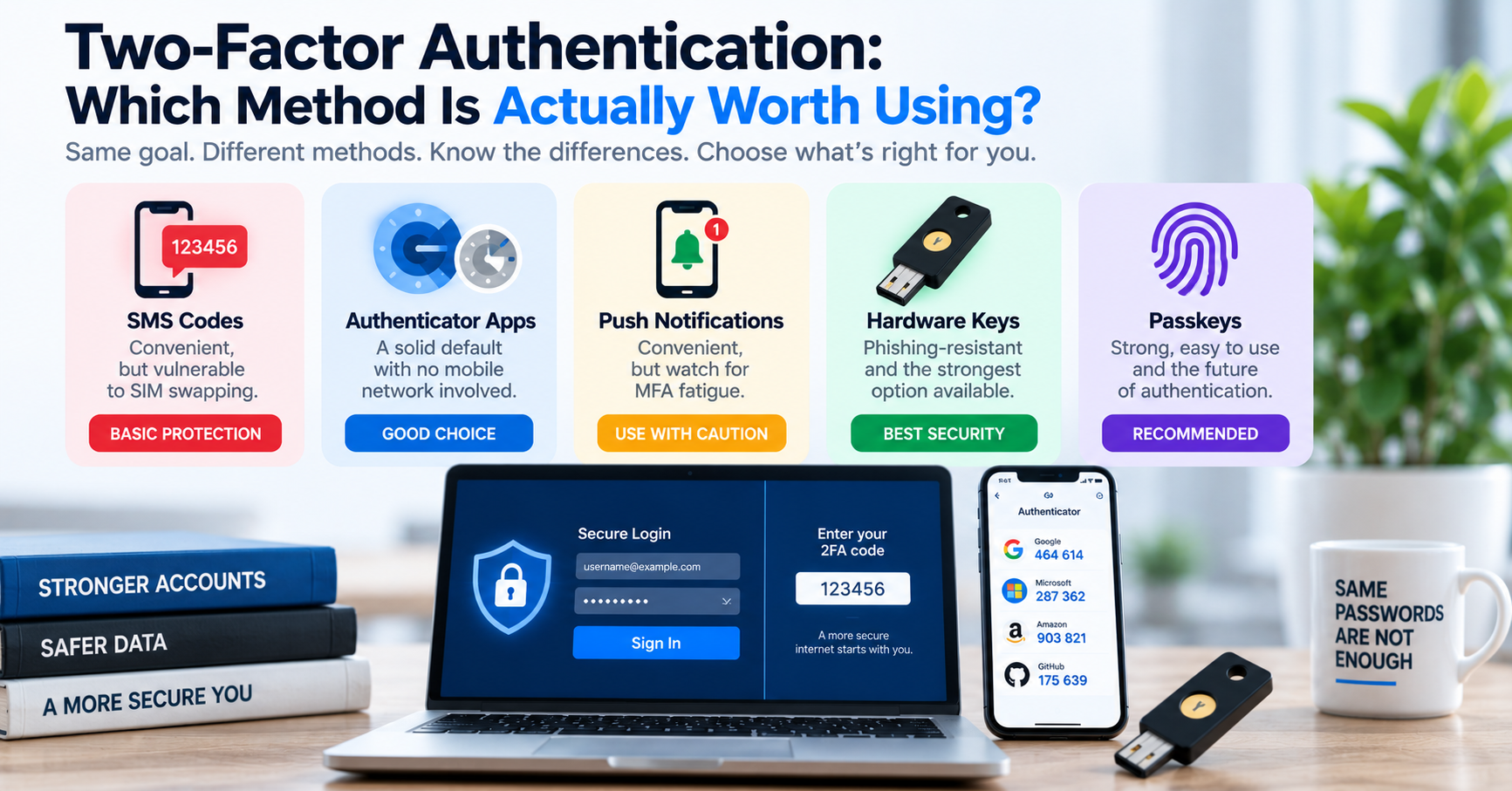
correct-horse-battery-staple), achieving over 75 bits of entropy. Test your phrase using our Password Strength Checker. - Enforce Hardware-Based 2FA: Protect vault access with a FIDO2 WebAuthn security key (YubiKey) or TOTP authenticator app.
- Store Emergency Recovery Kits Safely: Print your emergency master recovery key and store it in a physical fireproof lockbox.