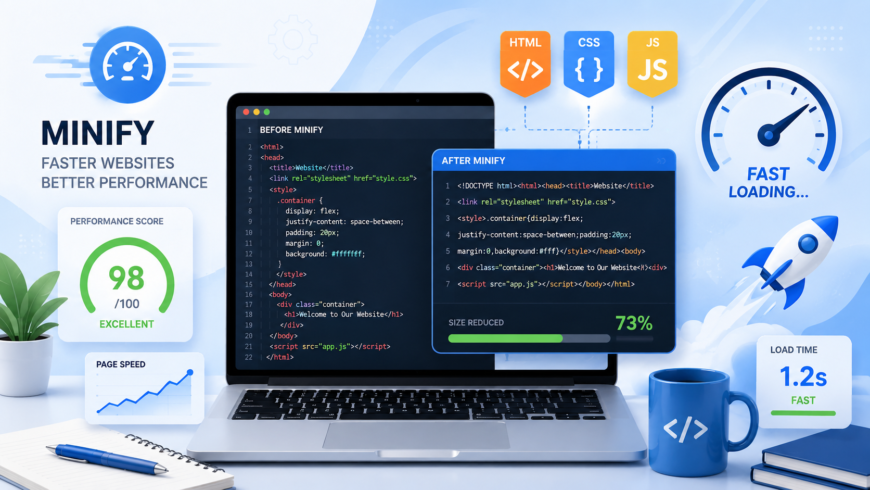
In modern web engineering, asset payload optimization is one of the most effective levers for accelerating Largest Contentful Paint (LCP) and reducing Total Blocking Time (TBT). While developers write clean, human-readable source code filled with descriptive variable identifiers, indentation, explanatory comments, and modular whitespace, web browser parsing engines require none of these typographical conveniences.
Every unnecessary space character, redundant newline, and verbose identifier represents raw bytes that must travel across cellular networks, occupy browser memory buffers, and undergo lexical analysis. Code minification is the automated process of stripping non-executable characters and restructuring syntax without altering program execution.
Minification vs. Compression: Understanding the Difference
Engineers frequently confuse minification with HTTP compression (Gzip / Brotli). In production pipelines, both techniques operate in tandem at different layers of the networking stack:
| Feature | Code Minification | HTTP Compression (Brotli / Gzip) |
|---|---|---|
| Execution Layer | Application build time / Static pre-processing | Web server / Network transport layer |
| Mechanism | Language-aware AST parsing, variable mangling, dead-code removal | Dictionary-based byte deduplication (LZ77, Huffman coding) |
| Browser CPU Impact | Reduces AST parse time and compile memory | Requires CPU cycles to decompress before parsing |
| Typical Savings | 20% – 60% reduction in uncompressed file size | 60% – 85% reduction in transfer payload size |
Crucial Rule: Minifying code before applying Brotli compression yields significantly smaller payloads than compressing unminified code. Removing structural variations makes the byte stream more repetitive, allowing dictionary compression algorithms to achieve dramatically higher compression ratios.
Language-Specific Minification Mechanics
1. HTML Minification
HTML minification strips redundant whitespace between tags, eliminates HTML comments (excluding IE conditional comments if required), removes optional closing tags where permitted by the HTML5 specification (such as </li> and </p>), and collapses multiple space characters inside text nodes. Try our free browser-based HTML Minifier for instant optimization.
2. CSS Minification
CSS minification eliminates comments, collapses whitespace around colons and braces, converts color declarations into shortest hex representations (#ffffff → #fff), strips zero unit measurements (0px → 0), and merges duplicate rules. Optimize your stylesheets instantly with our CSS Minifier.
3. JavaScript Minification & Identifier Mangling
JavaScript minification is substantially more complex than simple string stripping. Modern minifiers (Terser, esbuild) parse JavaScript source into an Abstract Syntax Tree (AST), analyze lexical scope boundaries, and safely shorten internal variable names (e.g., function calculateUserAccountBalance(accountNumber) becomes function a(b)). Test our client-side JavaScript Minifier for zero-upload compression.
Production Server Configuration (Enabling Brotli)
Ensure your web server or CDN serves minified assets with Brotli compression enabled:
# Nginx Brotli Configuration
brotli on;
brotli_comp_level 6;
brotli_types text/plain text/css application/javascript application/json image/svg+xml;