Every single business day, millions of software developers, marketing specialists, data analysts, and administrative professionals turn to browser-based web utilities to format JSON payloads, decode Base64 tokens, separate keyword lists, or test password strength. The convenience is undeniable: with zero software installation required, a browser tab solves an immediate operational bottleneck in seconds.
However, what happens behind the scenes when you paste data and click "Process"? Most users naively assume their data is processed safely and discarded. In reality, countless online utility websites transmit your pasted inputs across the internet to remote backend servers, where payloads may be stored in database logs, cached in reverse-proxy memory, analyzed by third-party tracking scripts, or exposed through insecure server configurations.
Pasting confidential database exports, unencrypted customer records, proprietary source code, or internal API secrets into an untrusted third-party web tool can directly violate corporate security policies and global regulations (including GDPR, HIPAA, and CCPA). Understanding how to evaluate the architectural security of online utilities is an essential skill for modern digital professionals.
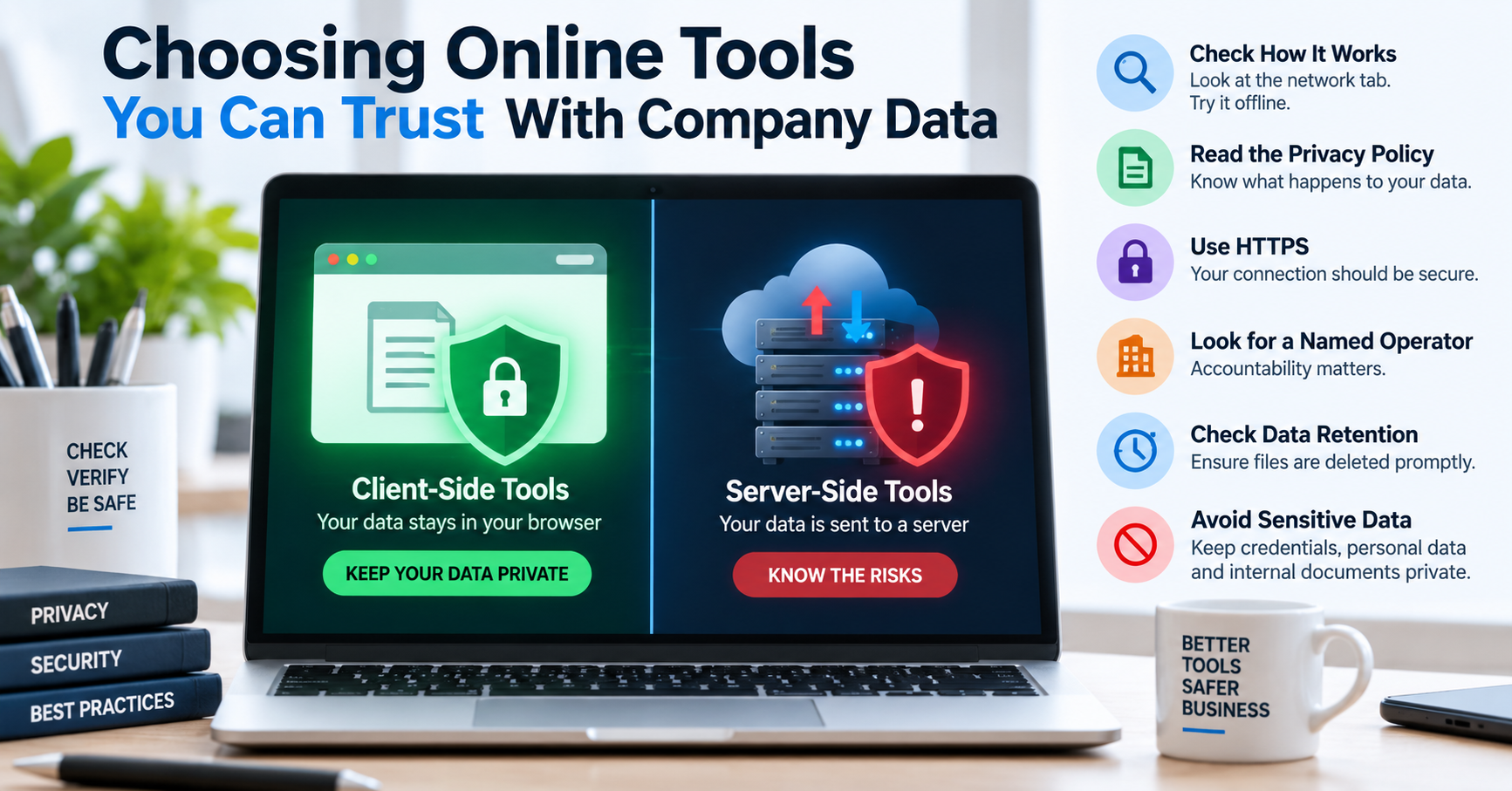
Client-Side vs. Server-Side Execution: The Fundamental Distinction
Web utilities fundamentally operate under one of two architectural paradigms:
| Feature | Client-Side (Zero-Knowledge) | Server-Side (Traditional) |
|---|---|---|
| Data Transmission | Never leaves browser memory; 0 network bytes sent. | Dispatched via HTTP POST to remote cloud servers. |
| Server Logging | Zero server logs; server has no knowledge of payload. | Recorded in Nginx access logs, error logs, and DB backups. |
| Third-Party Leakage | Isolated inside local JavaScript sandbox. | Vulnerable to server breaches, subpoenas, and scrapers. |
| Regulatory Risk (GDPR/HIPAA) | Zero processor liability (no data transmission). | High liability (requires signed DPA and consent). |
The 60-Second DevTools Audit: How to Verify Zero-Knowledge Tools
You do not need to take any website's privacy claims on faith. You can scientifically verify whether a web tool uploads your data using your browser's built-in Developer Tools:
- Open your browser's Developer Tools by pressing
F12(orCtrl+Shift+I/Cmd+Option+Ion macOS). - Navigate to the Network tab.
- Check the Fetch/XHR filter to isolate asynchronous HTTP requests.
- Paste sample text into the tool and click the action button (e.g., "Format JSON", "Separate Text", "Minify").
- Observe the Network log:
- If the Network tab remains completely blank and no HTTP POST or GET requests are dispatched, the tool is genuinely client-side. Your data never left your device.
- If an HTTP request appears with a payload containing your pasted text, the tool is server-side. The server received, processed, and potentially logged your proprietary data.
Enterprise Security Hazards of Cloud-Based Utility Sites
When an employee pastes company data into a server-side web utility, multiple threat vectors emerge:
- API Token Exposure: Pasting configuration files containing AWS access keys, Stripe secret keys, or database credentials into an online JSON validator can expose keys in server log aggregators (Datadog, CloudWatch).
- GDPR Fines for PII Leakage: Pasting European customer contact lists into an unvetted text deduplicator constitutes an unauthorized cross-border transfer of Personally Identifiable Information (PII) to an unvetted third-party data processor.
- Intellectual Property Loss: Proprietary algorithms, trade secrets, and draft press releases pasted into unverified grammar or minification tools can be scraped or indexed by third-party search crawlers.
The TU Web Tools Commitment to Zero-Knowledge Processing
At TU Web Tools, our engineering philosophy is built on client-side isolation. Our utilities—including our Text Separator, JSON Formatter, Character Counter, Base64 Encoder, and Password Generator—execute 100% locally using standard W3C Web APIs. We never transmit your text payloads to our servers, ensuring your enterprise data remains completely confidential.